 Ghillie
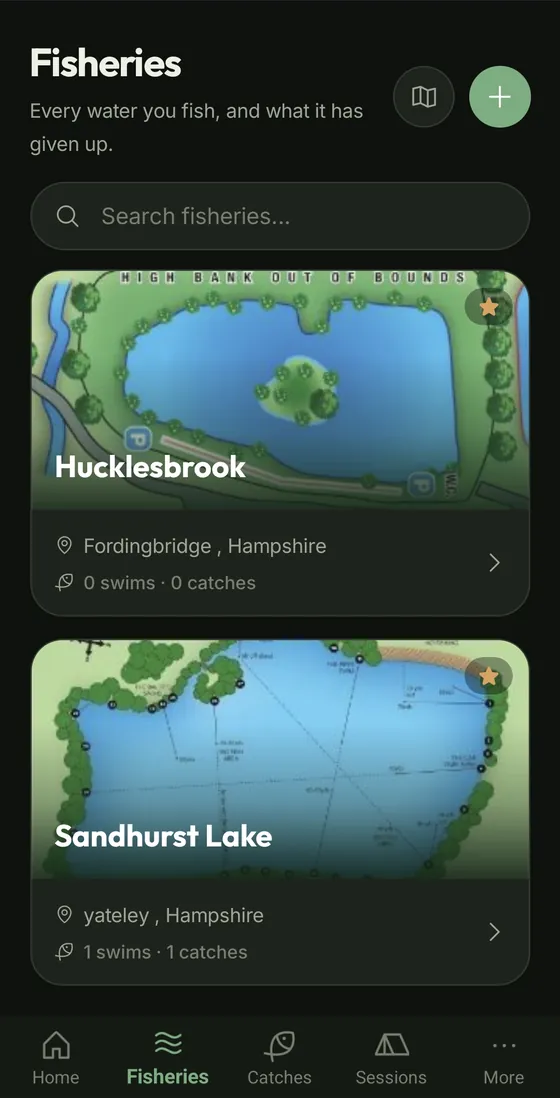
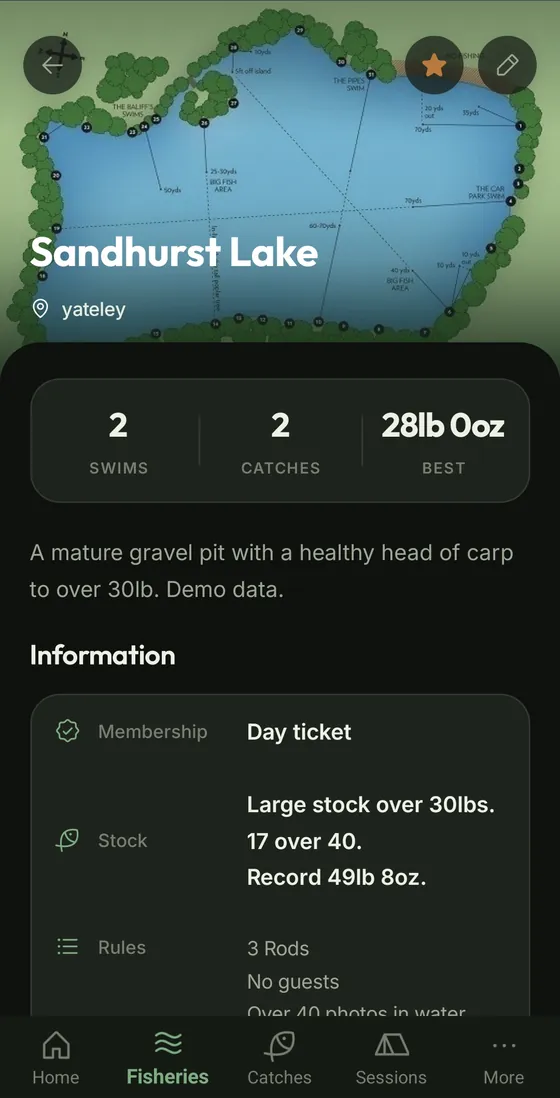
Every water at a glance
Swims, catch count and best fish, the gate code and bailiff's number, rules, stock notes, directions, and reference photos like depth charts.
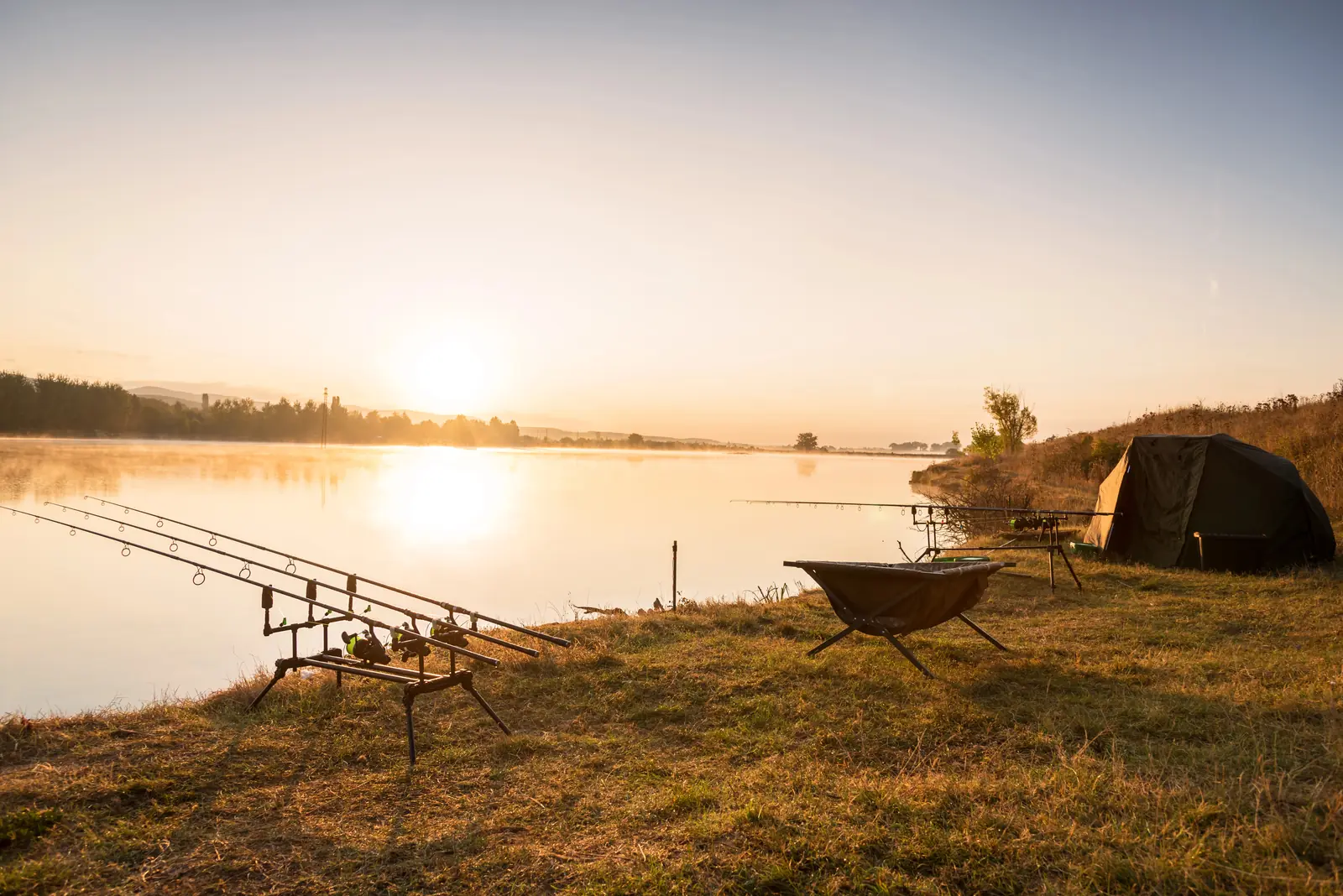
Record where you fished, what came out and what it came out on, so next time you can do it again. Mark your spots on your own swim photos, and keep the whole logbook on your phone.
The carp angler's logbook · Android & iPhone
 iPhone versionComing soon
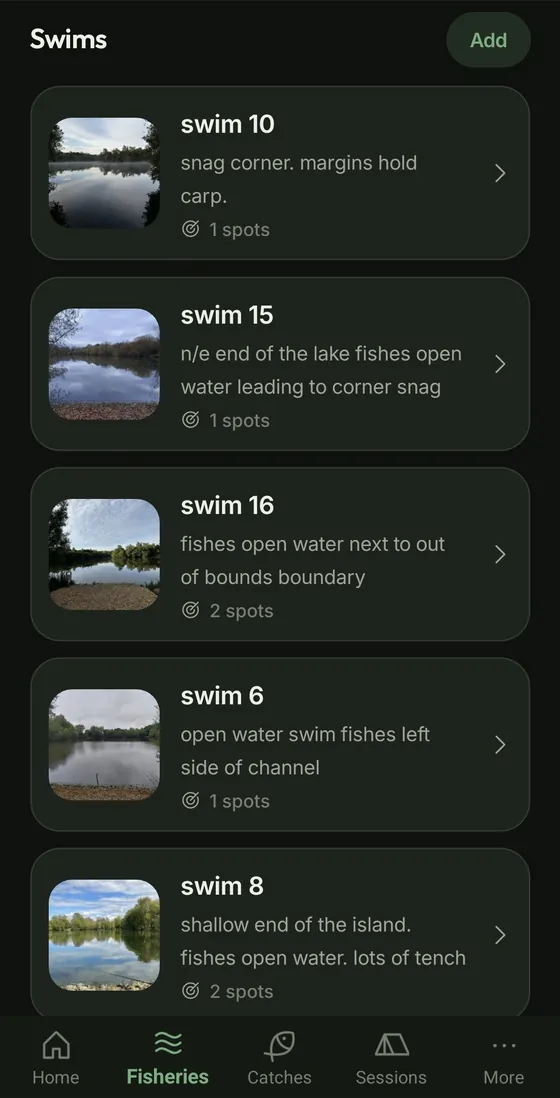
Each water keeps its swims, each swim keeps its spots, and every fish knows exactly which spot it came from.
Swims, catch count and best fish, the gate code and bailiff's number, rules, stock notes, directions, and reference photos like depth charts.
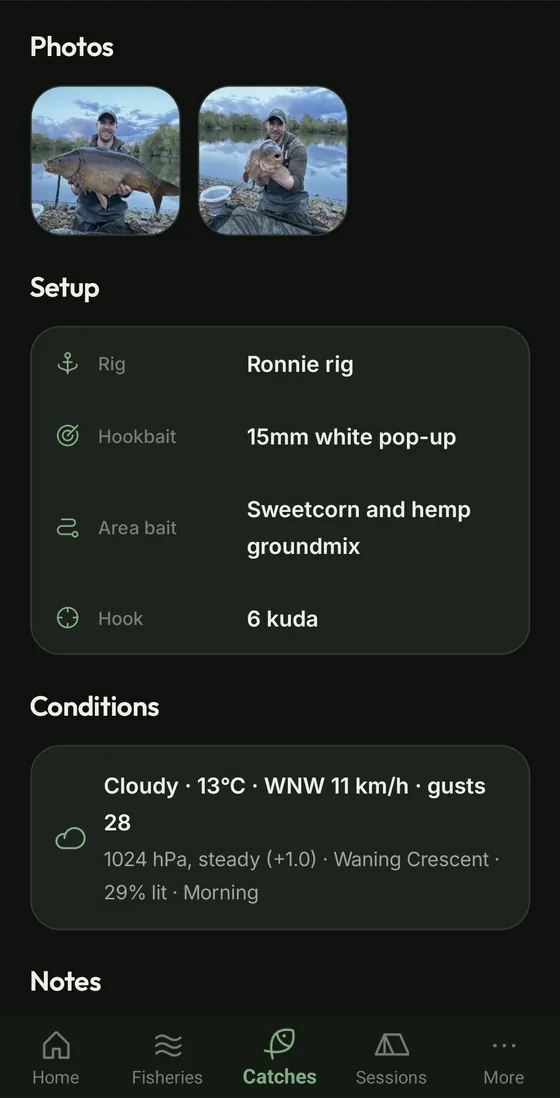
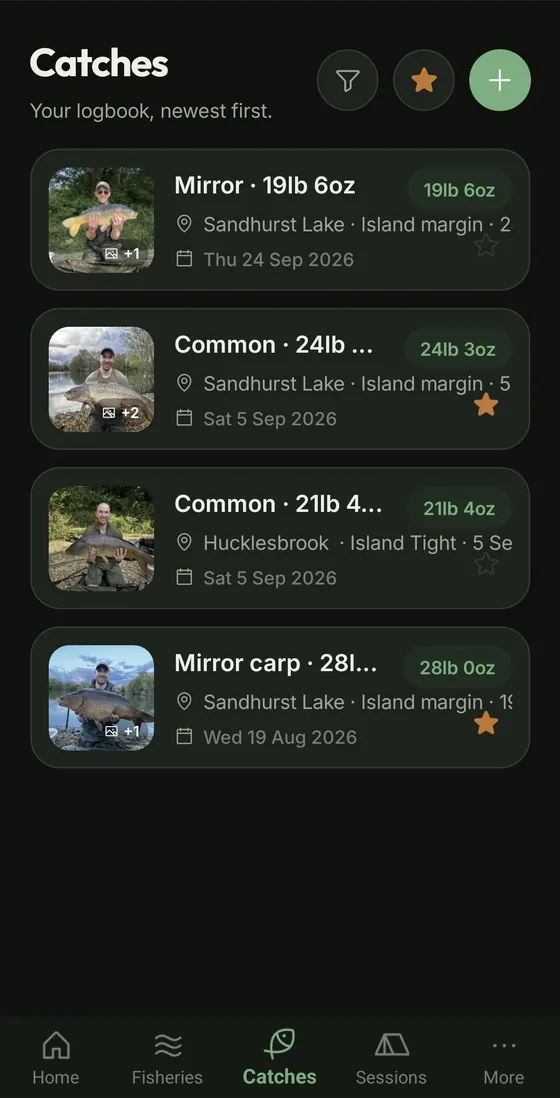
Weight, species, photos, rig, hookbait and area bait. Tacklebox quick-picks put your usual rigs and baits a couple of taps away.
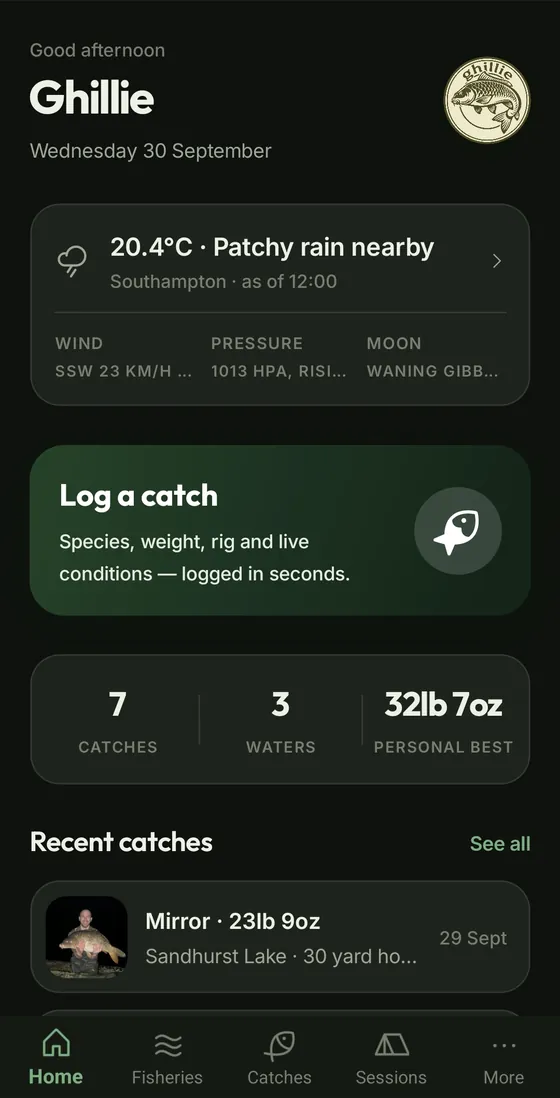
Weather, air pressure and its trend, wind and moon phase are stamped on every catch. Warnings for your water show up before you set off.
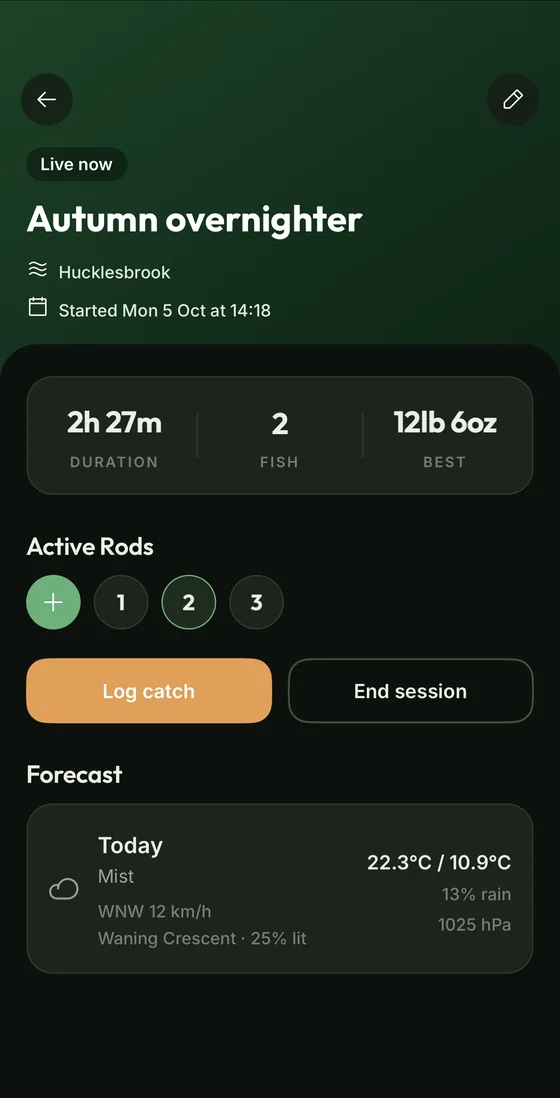
Start a session when you arrive, pin your rods to their spots and log fish as they come. See the forecast, how long you've been on and your best fish so far.
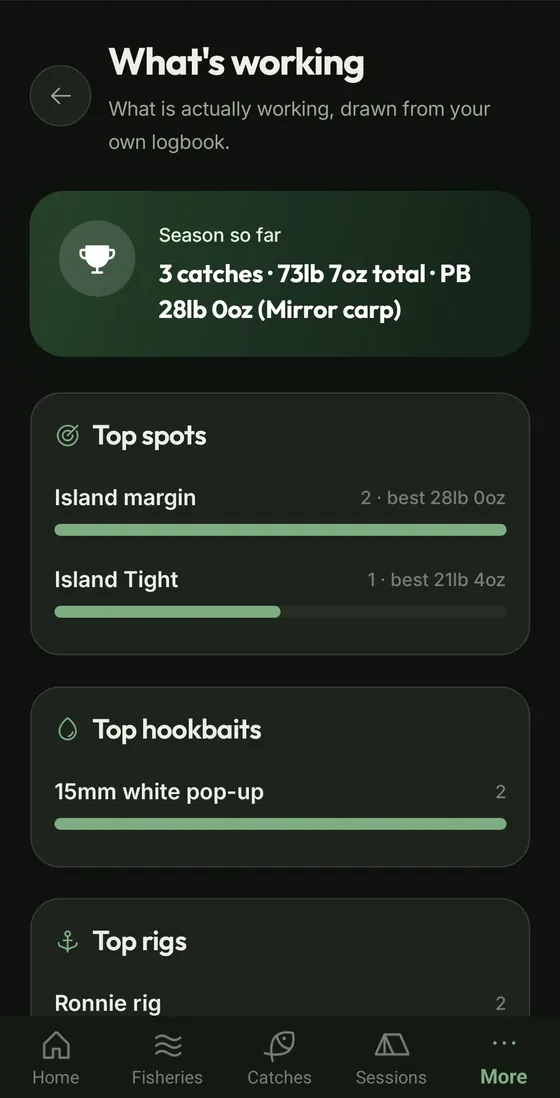
Insights pulls your top spots, hookbaits and rigs out of your own logbook, season by season.
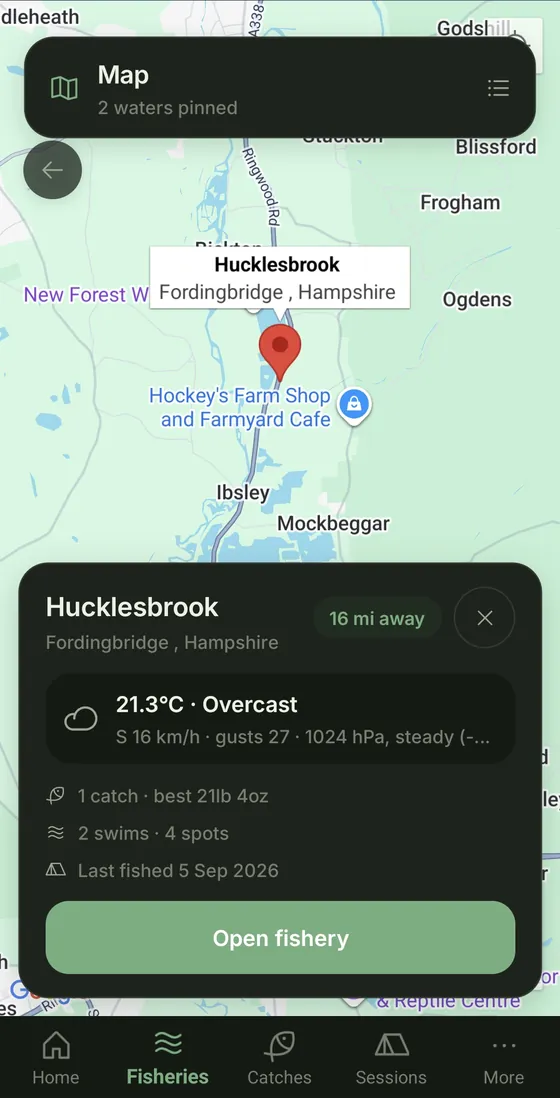
Every fishery on one map, with the current weather and your record at each.
Trips, catches and blanks for each swim and spot, so you can see which ones earn their place.
A grid of when your fish have come, spring to winter and morning to night, for your whole logbook and for each water, swim and spot.
Dated notes on every water, swim and spot, with the important ones pinned to the top.
Big, clear screens that are easy to use with cold hands, in the dark, at the end of a long night.
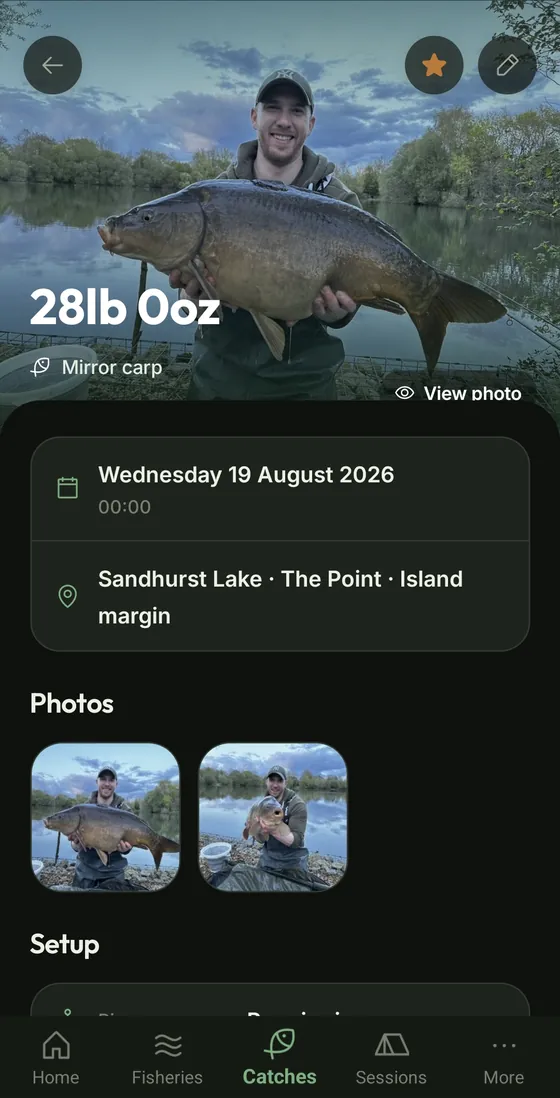
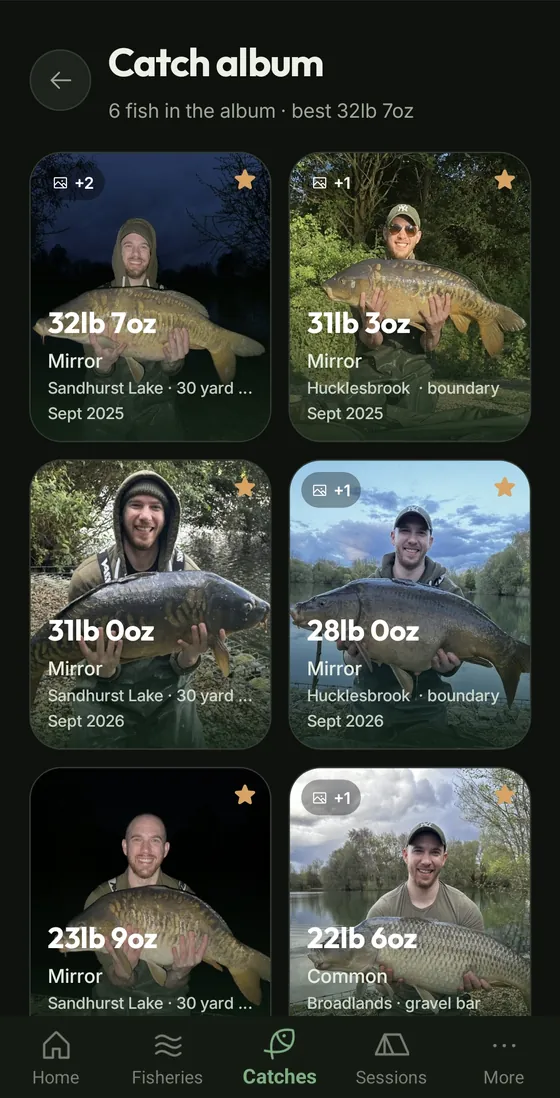
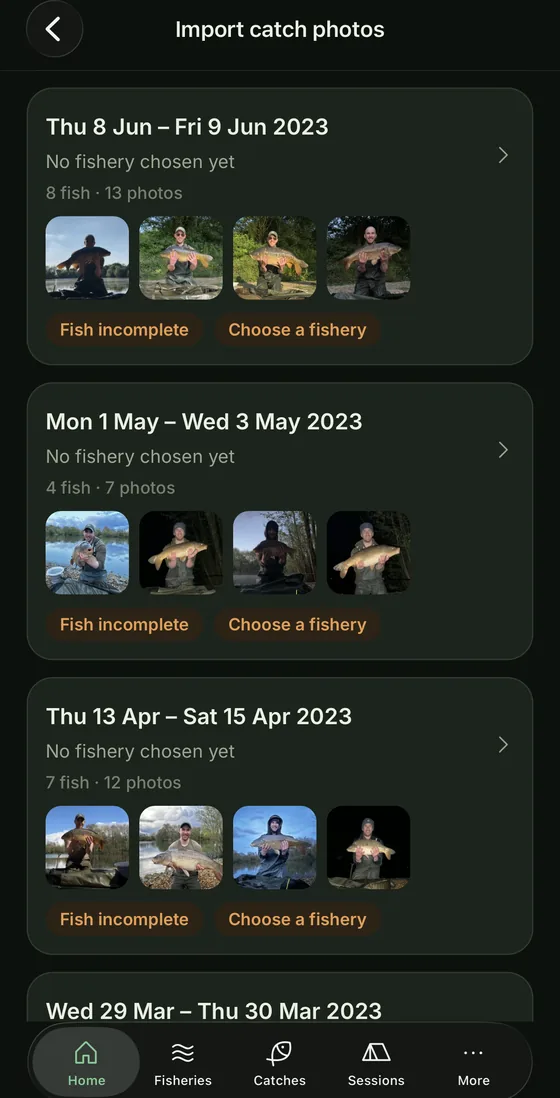
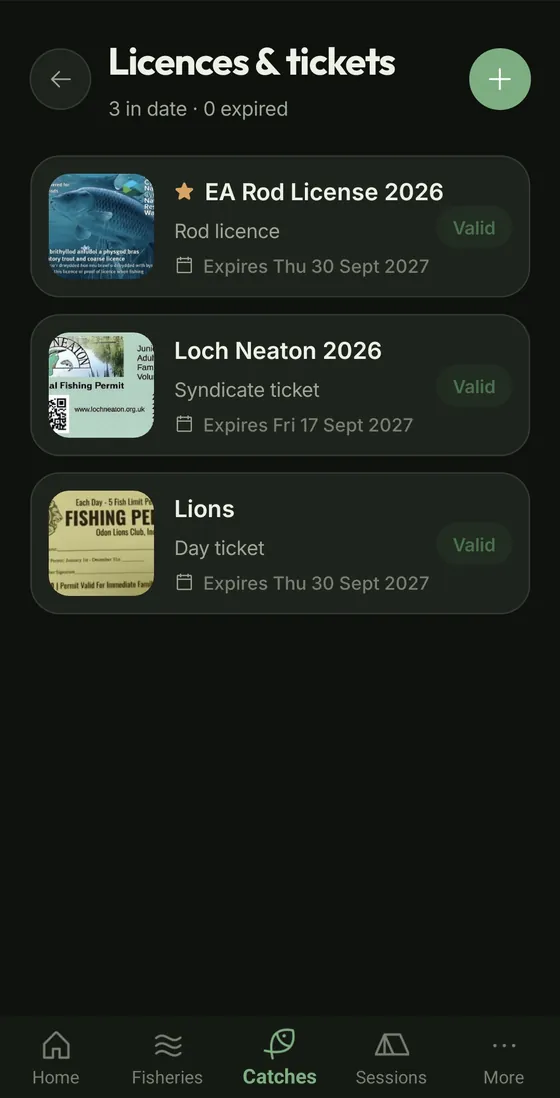
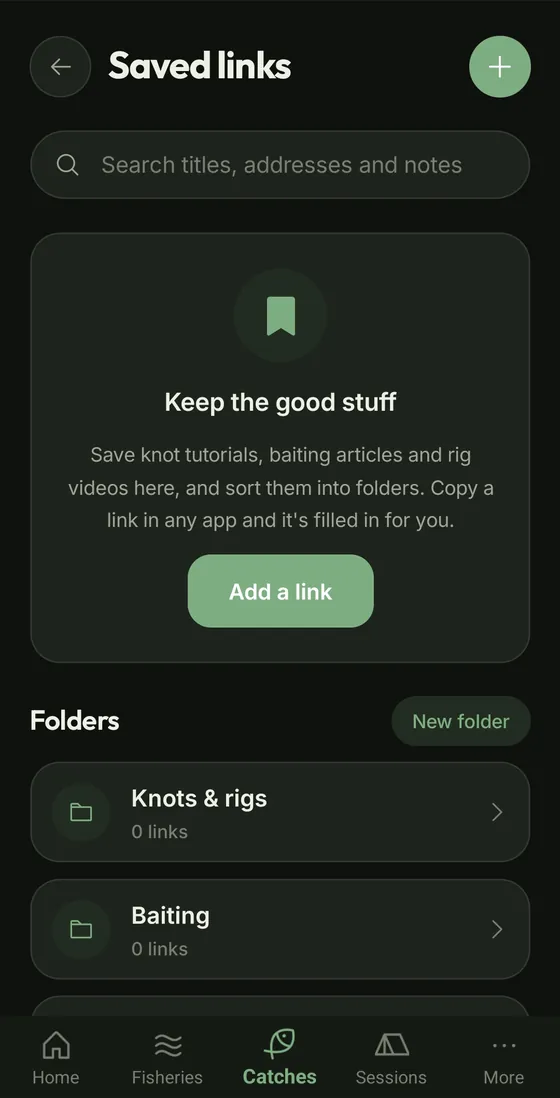
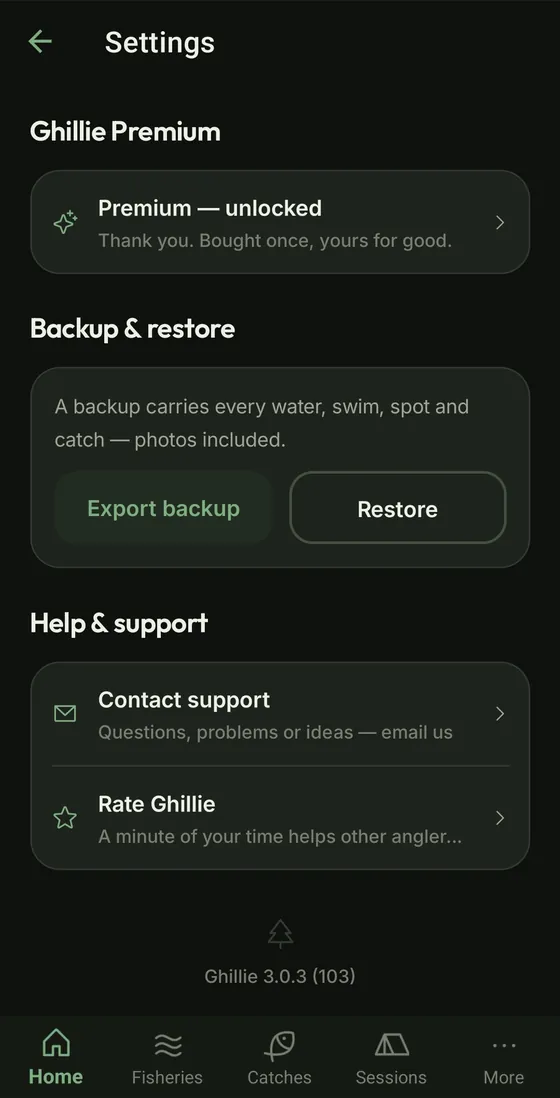
Years of fish are already on your phone. Pick the photos and Ghillie sorts them by the date each one was taken, ready to become catches.
It all happens on your phone. Your photos aren't uploaded anywhere.
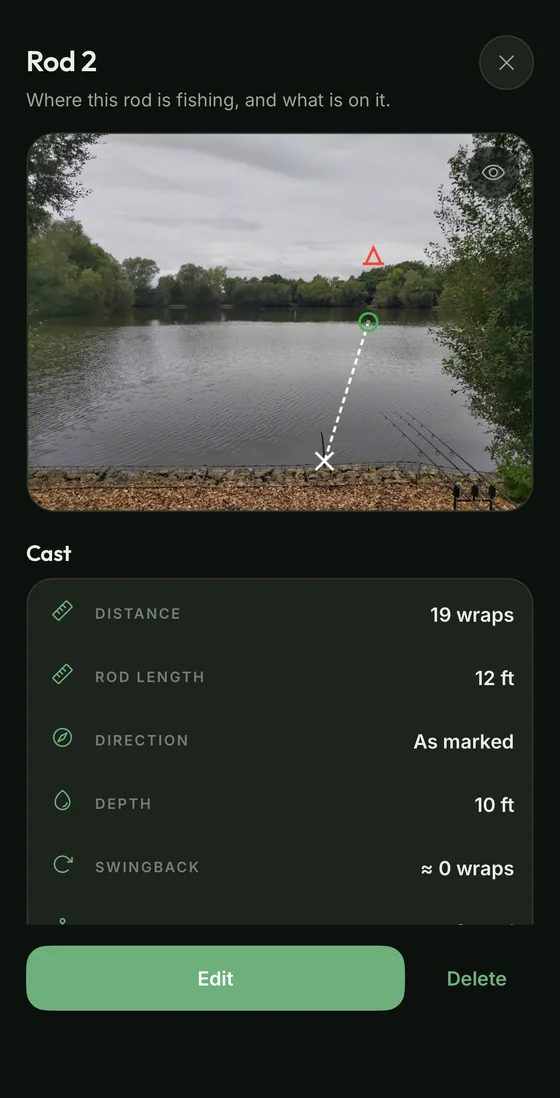
See everything in 3.0.11 →On a live session, give each rod its swim, spot, rig and bait. Ghillie keeps track of what's out there, so at three in the morning you don't have to.
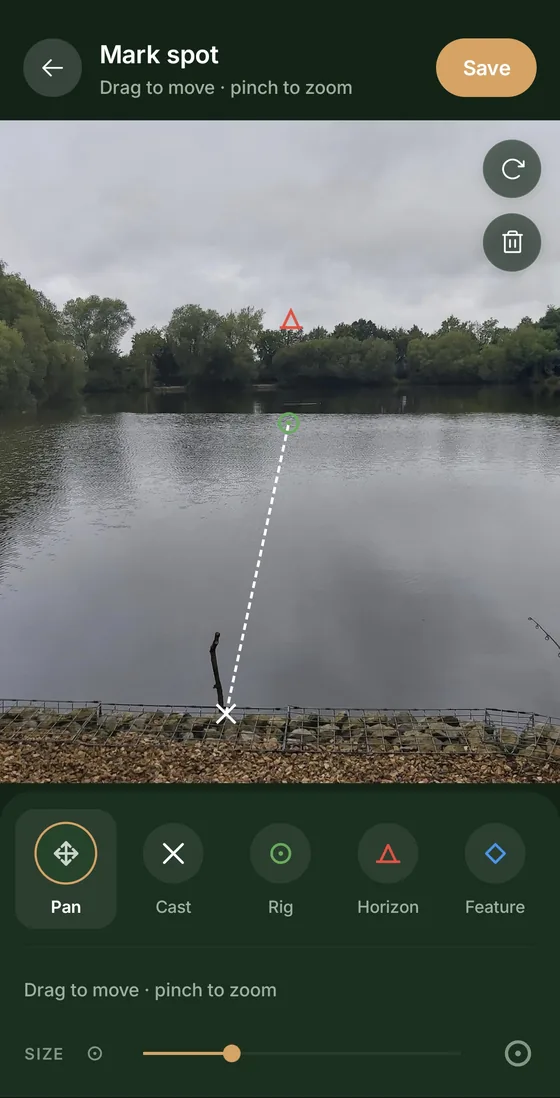
Photograph your swim, then put your cast position, rig position and horizon marker straight onto it. The markers stay editable, so you can move them and update them next season.
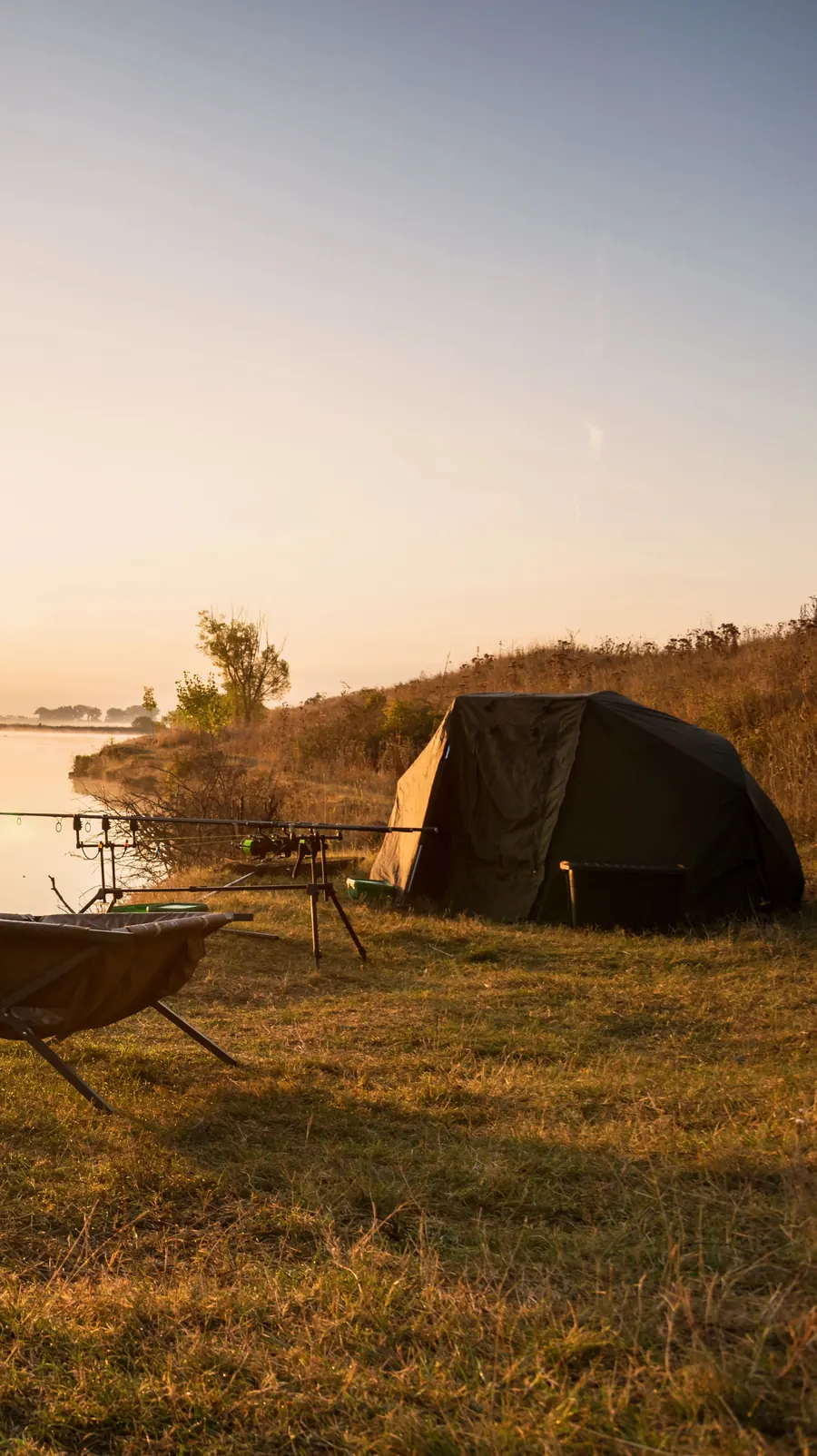
Anglers don't want their spots going round. Ghillie keeps your logbook on your phone and nowhere else.
Try everything free for 30 days. After that, one unlock, no subscription and no renewal.
Launch price until 24 December 2026, then £9.99.
One purchase. No subscription.
Built by one developer who fishes, for anglers who already keep notes in a diary, a spreadsheet or their camera roll.
Ghillie isn't a startup and it isn't a social network. It's a logbook. Questions, bugs and ideas come straight to the person who builds it, and they shape what comes next.
Get in touchNo. There's no account, no sign-in and no public feed. Install it and start logging.
Yes. Everything you log is saved on the phone with no connection needed. Weather is cached so it's still there when the signal drops; the forecast refreshes next time you're back in range.
On your phone, in the app's private storage. We never receive it and can't see it. You can make a backup file and save it wherever you choose. The privacy policy has the full detail.
Apple and Google make every app declare what data it collects, publish a privacy policy and stick to both, and they can remove an app that doesn't. Your phone enforces the rest: Ghillie can only use location or the camera if you allow it. You can also check for yourself: turn on flight mode and your whole logbook still opens, and there is no sign-in screen to find.
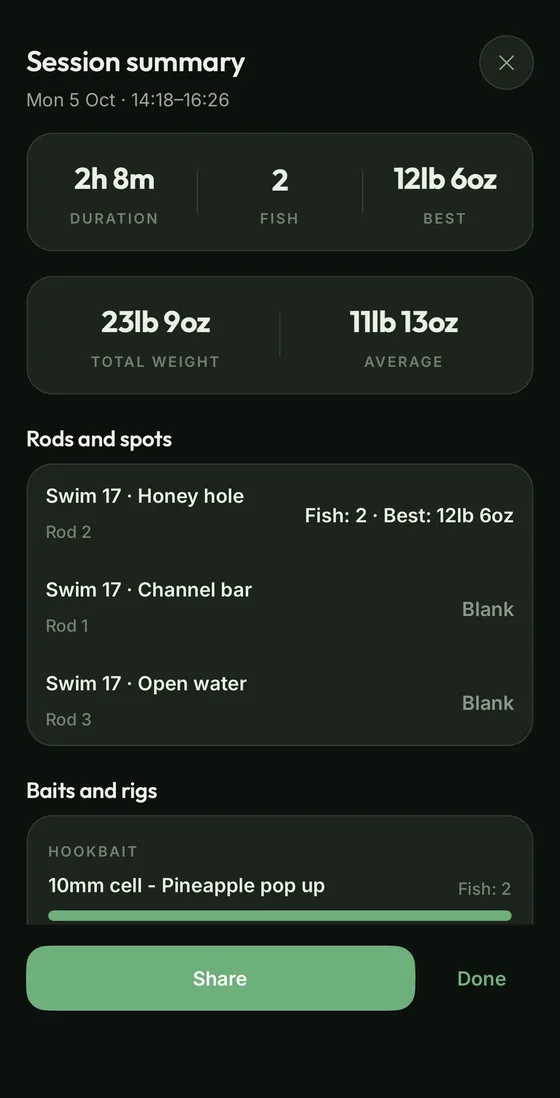
Yes. On a live session, pin each rod to its spot with Active Rods. When you end the session, any spot a rod was on that no fish came from counts as a blank, and it shows in that swim and spot's track record. Blanks count from version 3.0.8 onwards. Ghillie can't know the ones before.
Nothing you've logged is taken away. You can still open, edit and delete everything and restore a backup. The one-off unlock lets you keep adding new records and adds Insights and backup export.
Ghillie has been rebuilt from scratch as a native app. Your catches, photos and swims move across automatically the first time you open it. It's faster, it works offline, and there's no account to sign into any more. If you paid for Ghillie before, the unlock is yours free.
The iPhone version is on its way to the App Store. It’s the same app, with the same trial and one-off unlock.Yes. Ghillie is on the App Store and Google Play: the same app, with the same trial and one-off unlock.
English, French, German, Dutch, Croatian and Spanish. Weights default to lb and oz and can be switched.
Found a bug, got an idea, or stuck on something? Send a message and it comes straight to me. I read everything and reply as soon as I can.

For Android and iPhone. Free for 30 days, then a one-off £6.99£9.99 unlock. Everything stays on your phone.
iPhone versionComing soon